
A better clipboard for Mac
Your clipboard, remembered.
Clip & Board keeps the text and links you copy within reach, so you never have to copy something twice.
Built for macOS · Apple Silicon · macOS 14+
Public beta, not notarized yet. The release notes show how to open it the first time.
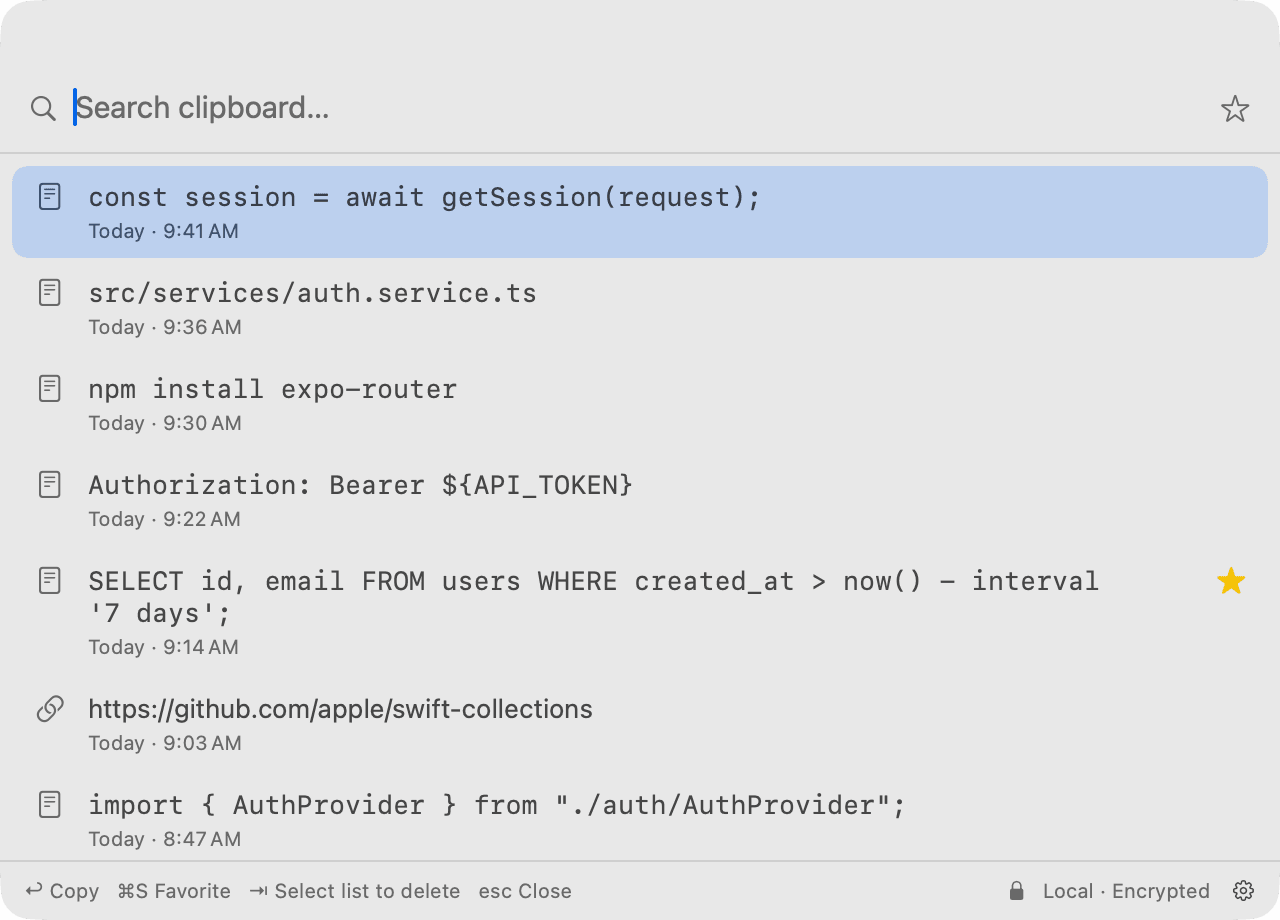
Everything you copied. Still there.
Clip & Board keeps your clipboard history close, so useful things don't disappear the moment you copy something new.
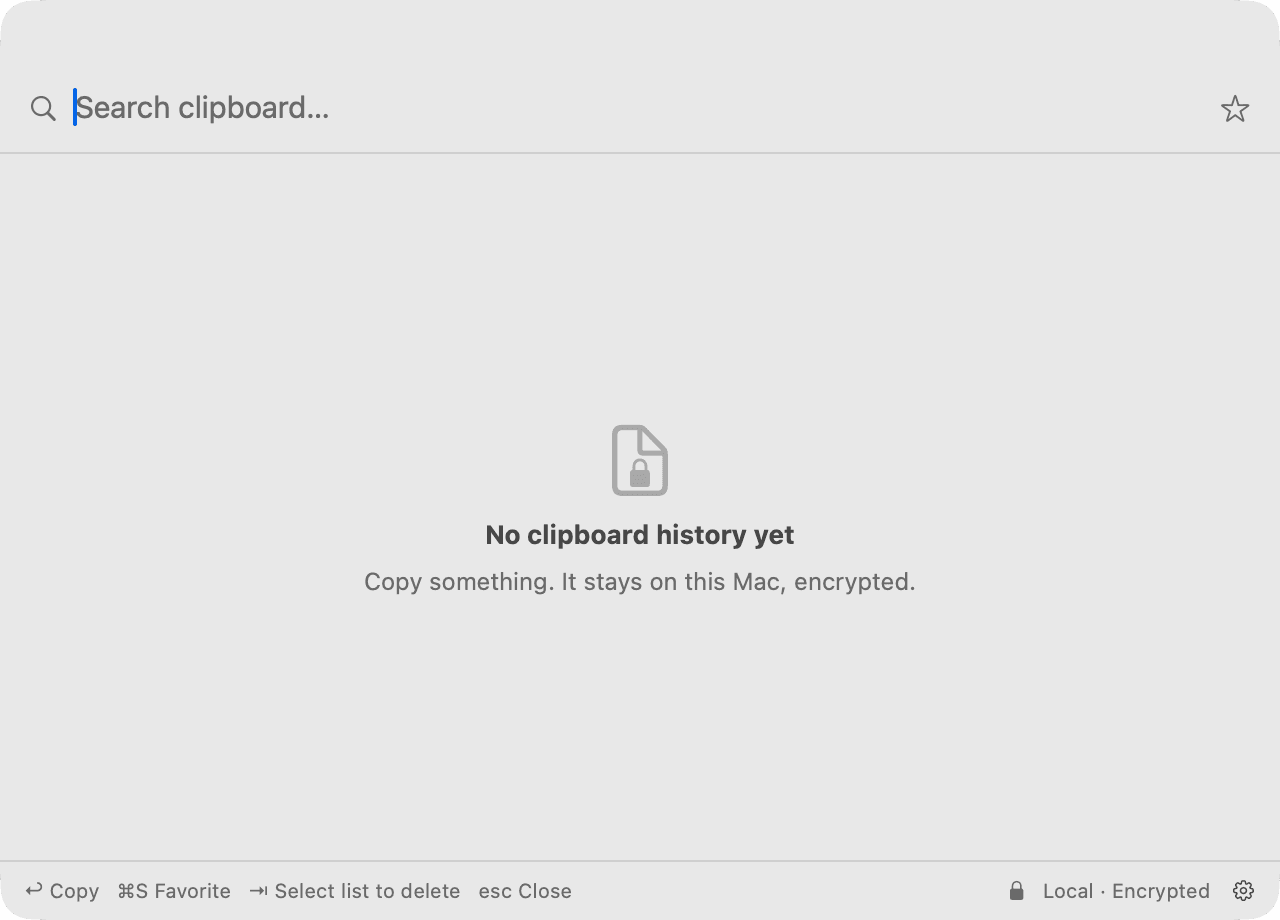
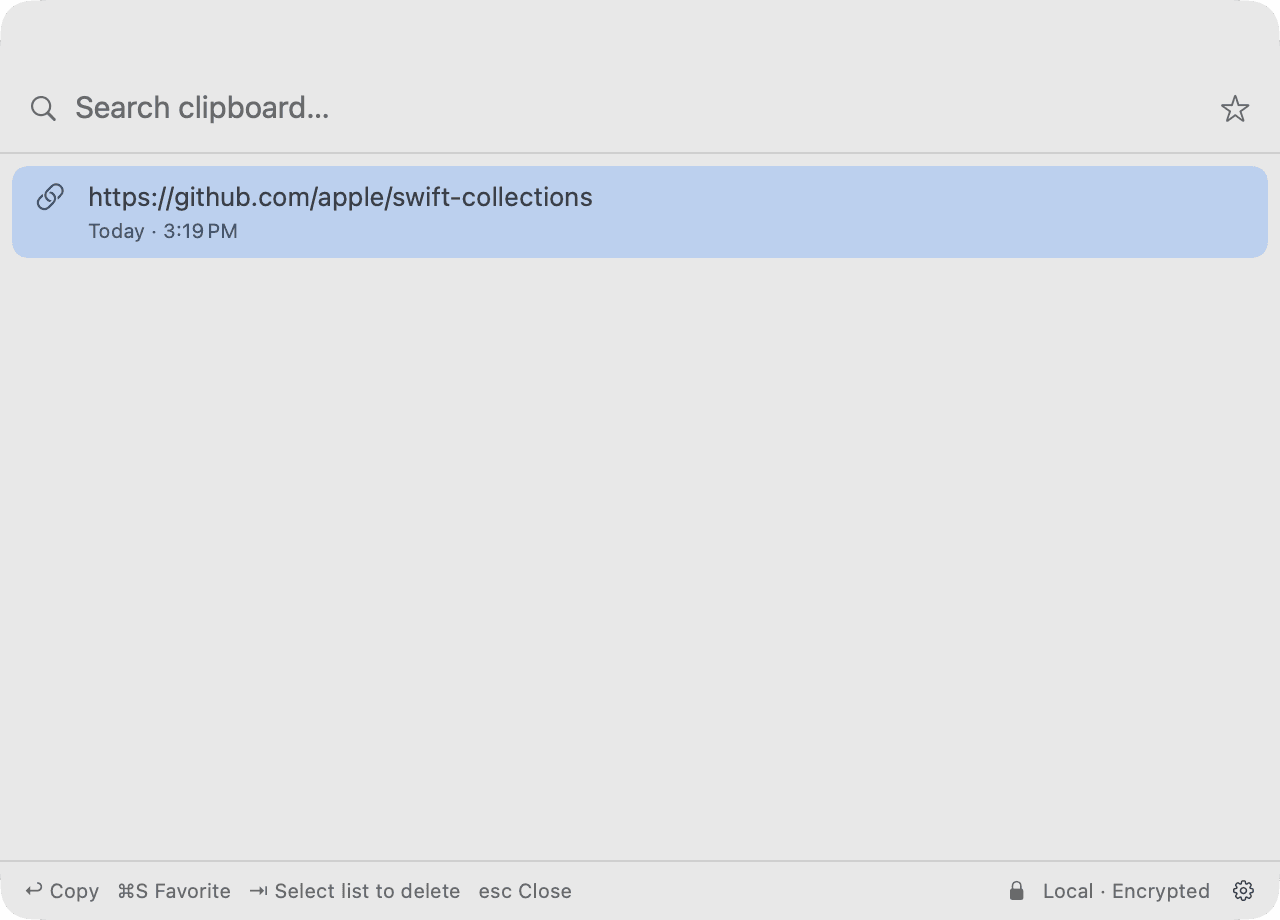
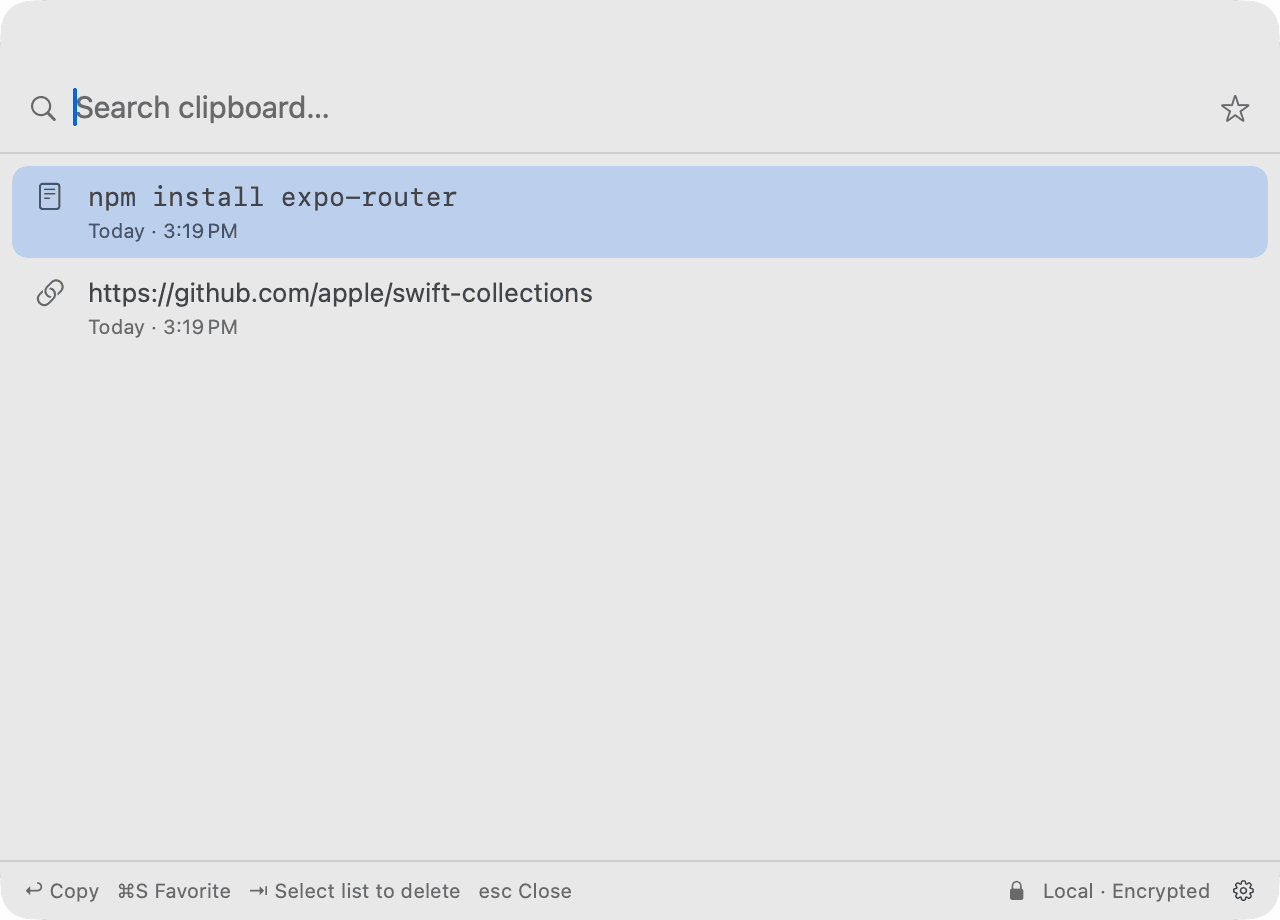
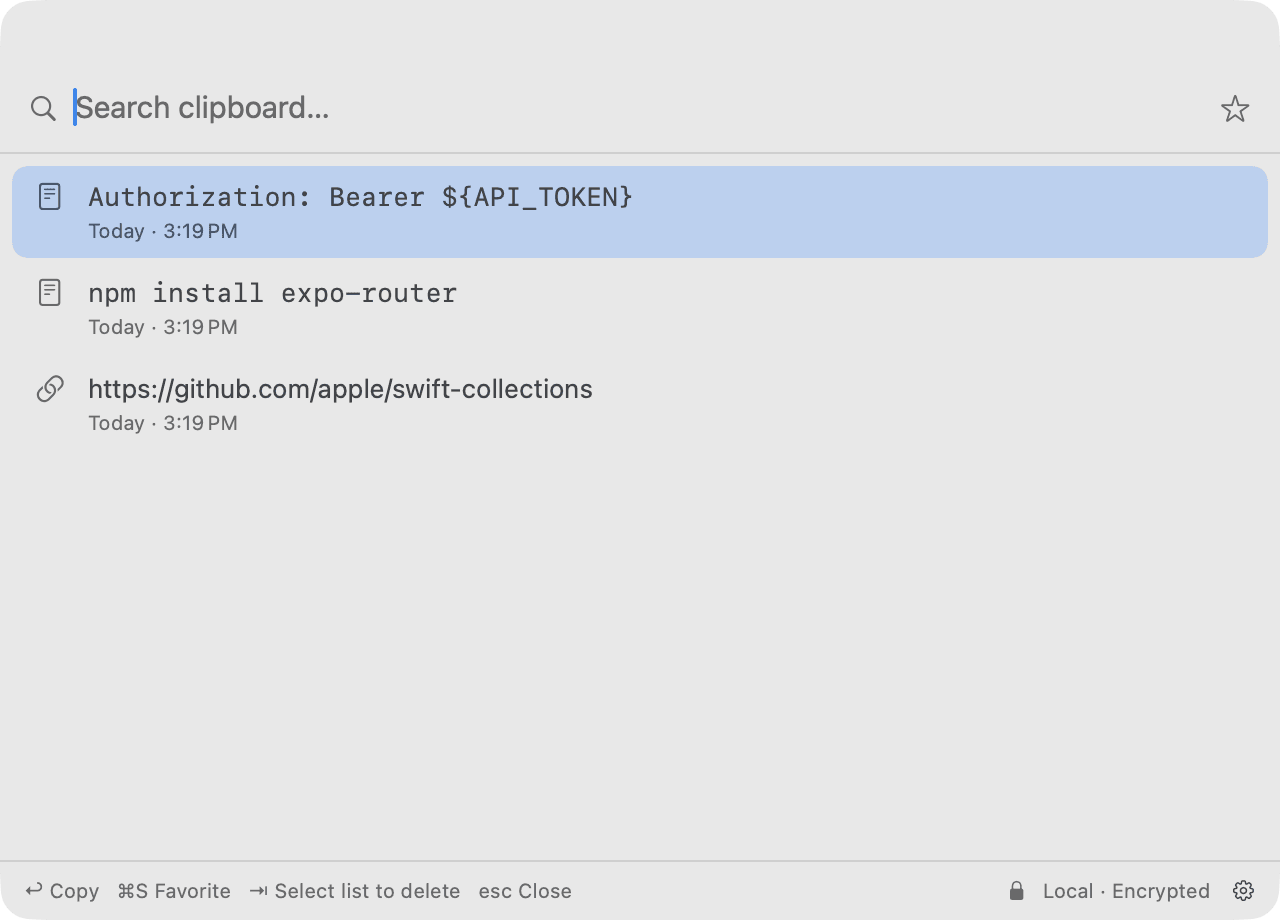
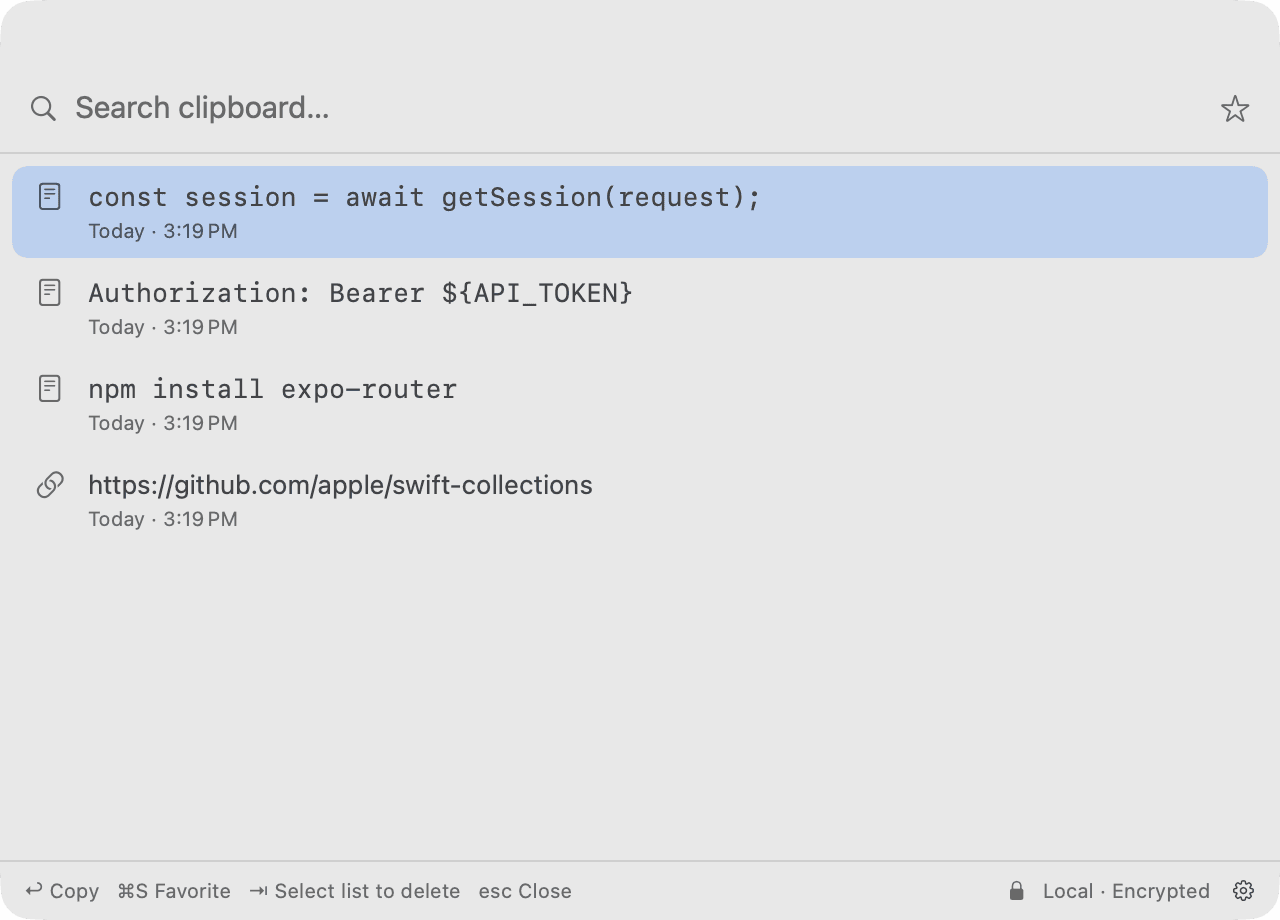
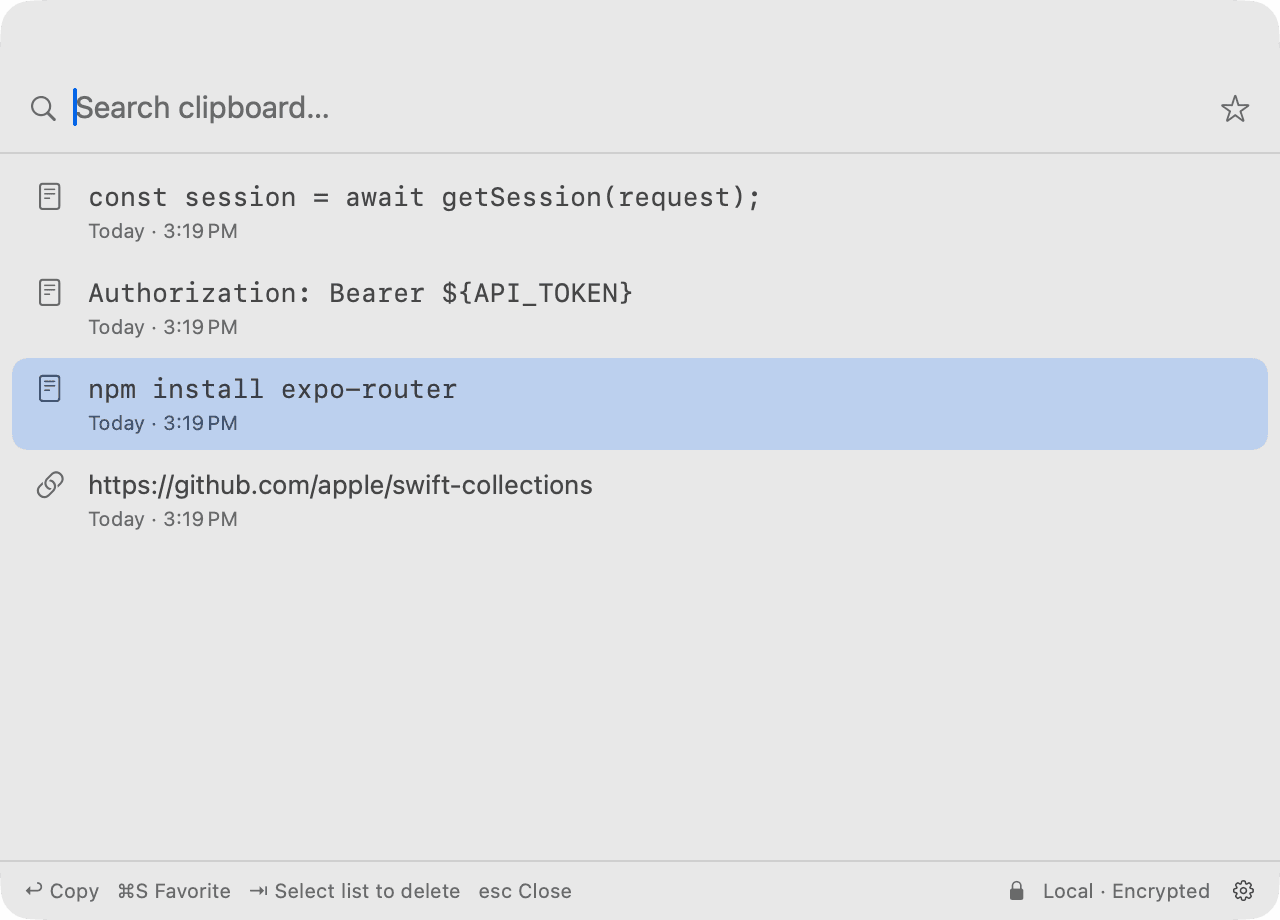
Copy something once.
Find it again later.
We’ve all copied something useful, replaced it with something else, and immediately wished we hadn’t.
Clip & Board gives your clipboard a memory.
Your clipboard has a memory now.
Browse what you've copied before and bring it back when you need it.
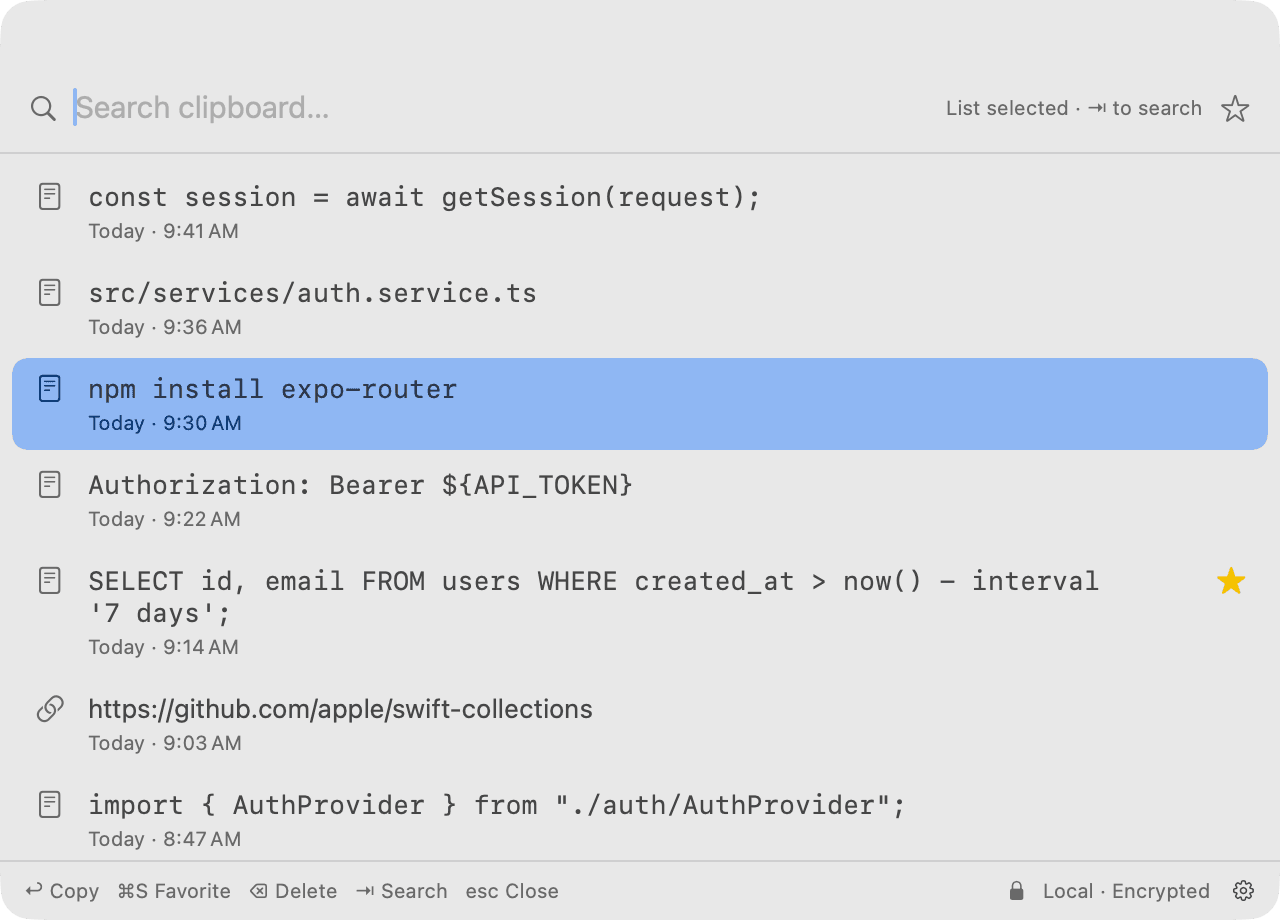
Still there after a restart
History is saved on your Mac, so quitting doesn't clear it.
Every copy, timestamped
Today, yesterday, or the date, with the time you copied it.
You set the limits
By default it keeps up to 1,000 items for 30 days. Change both in Settings.
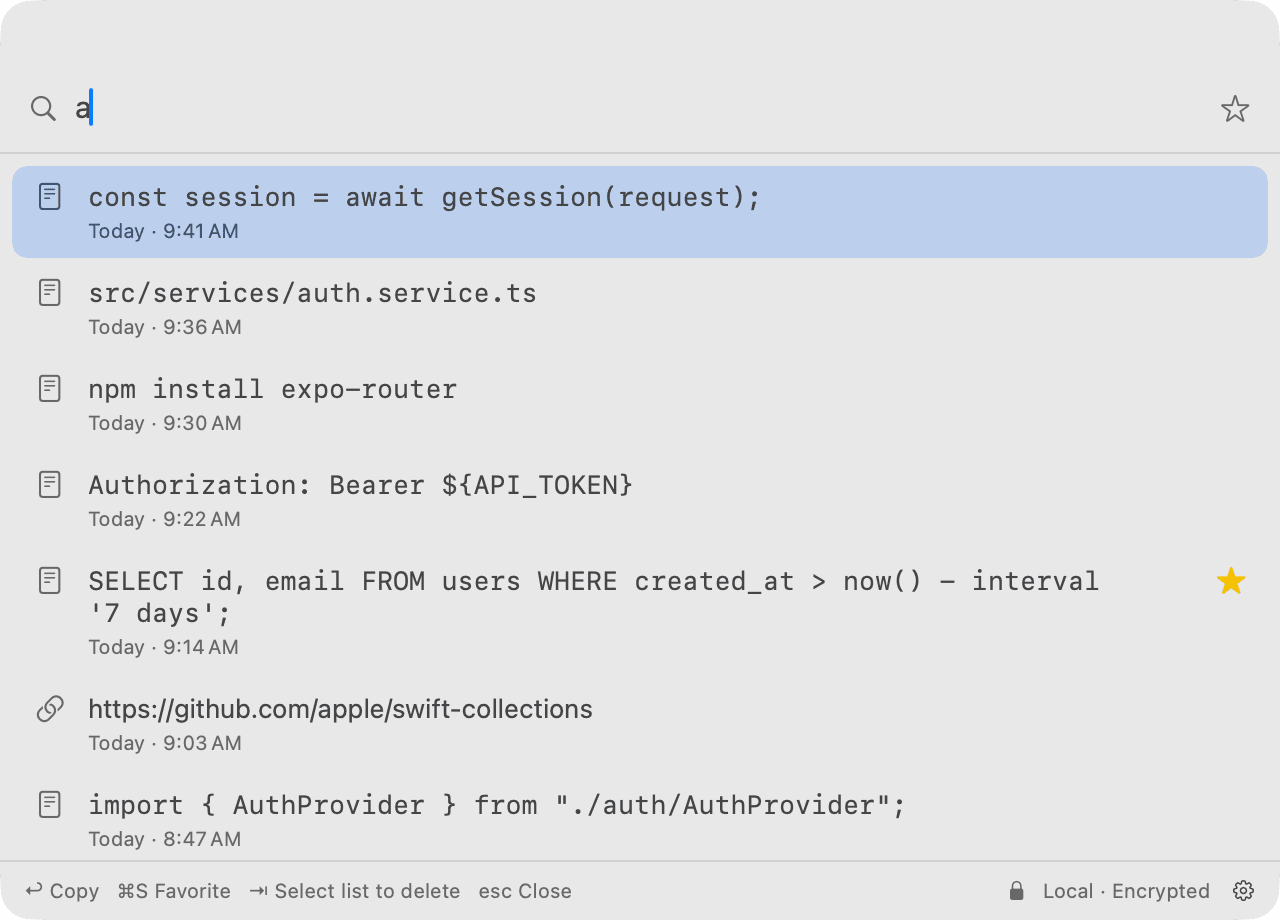
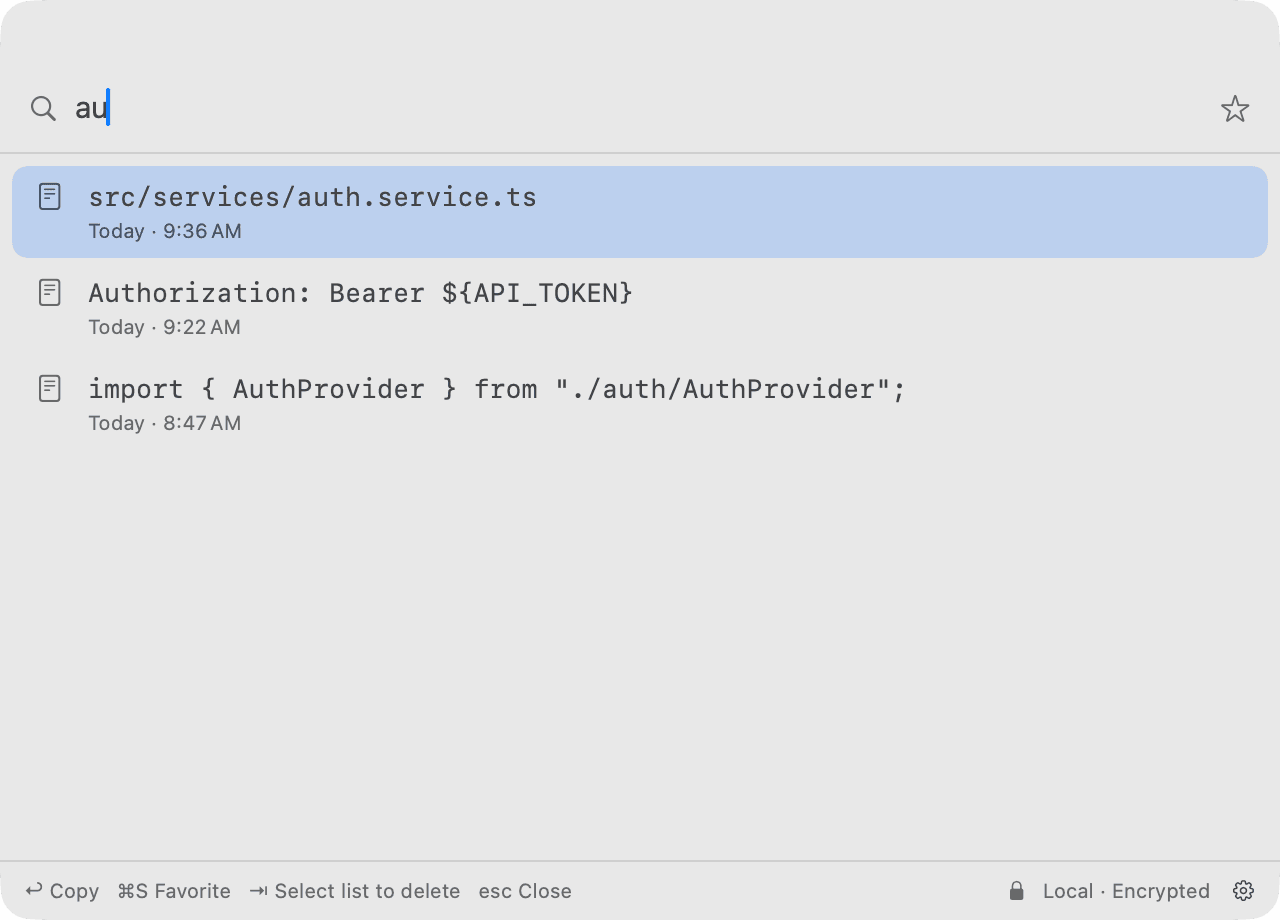
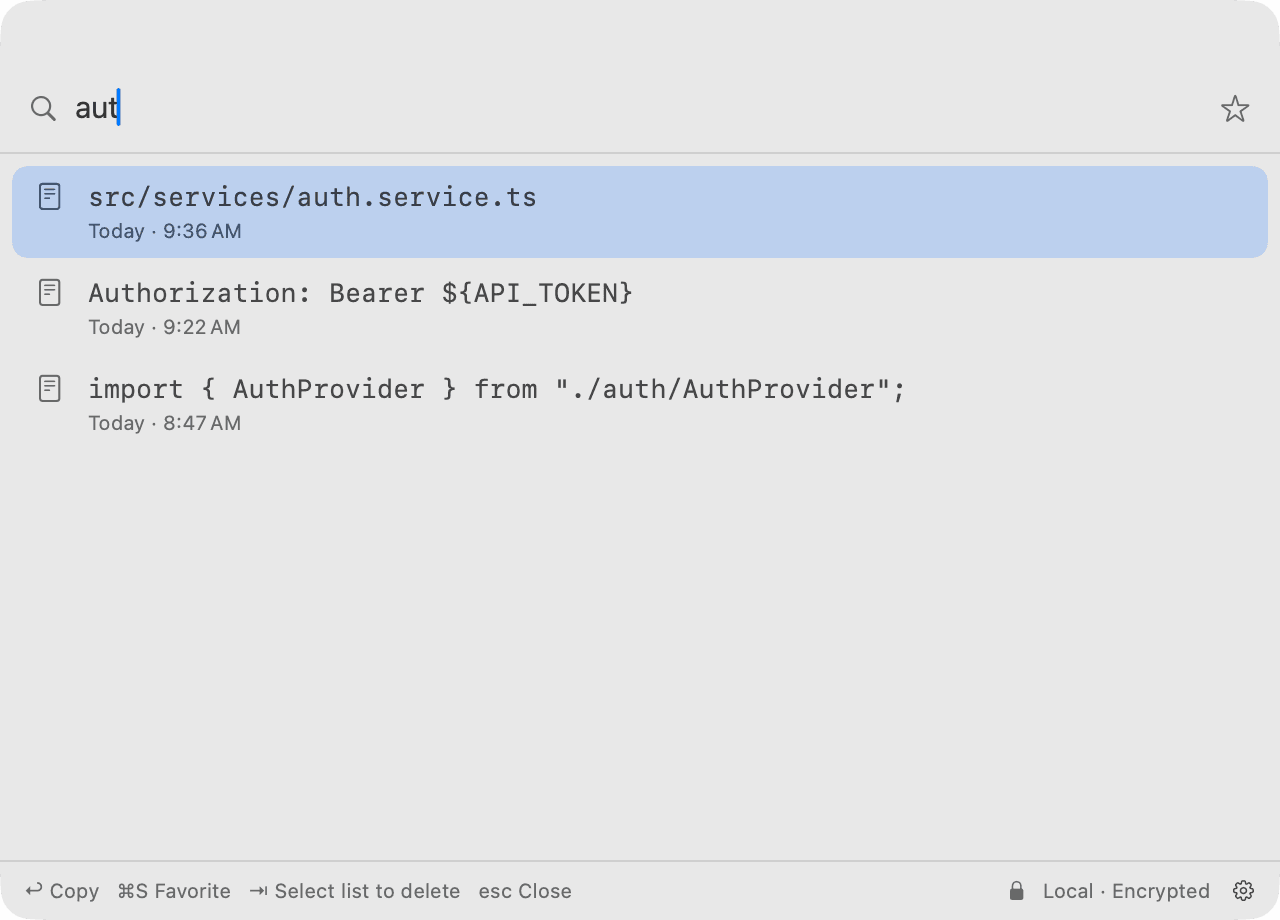
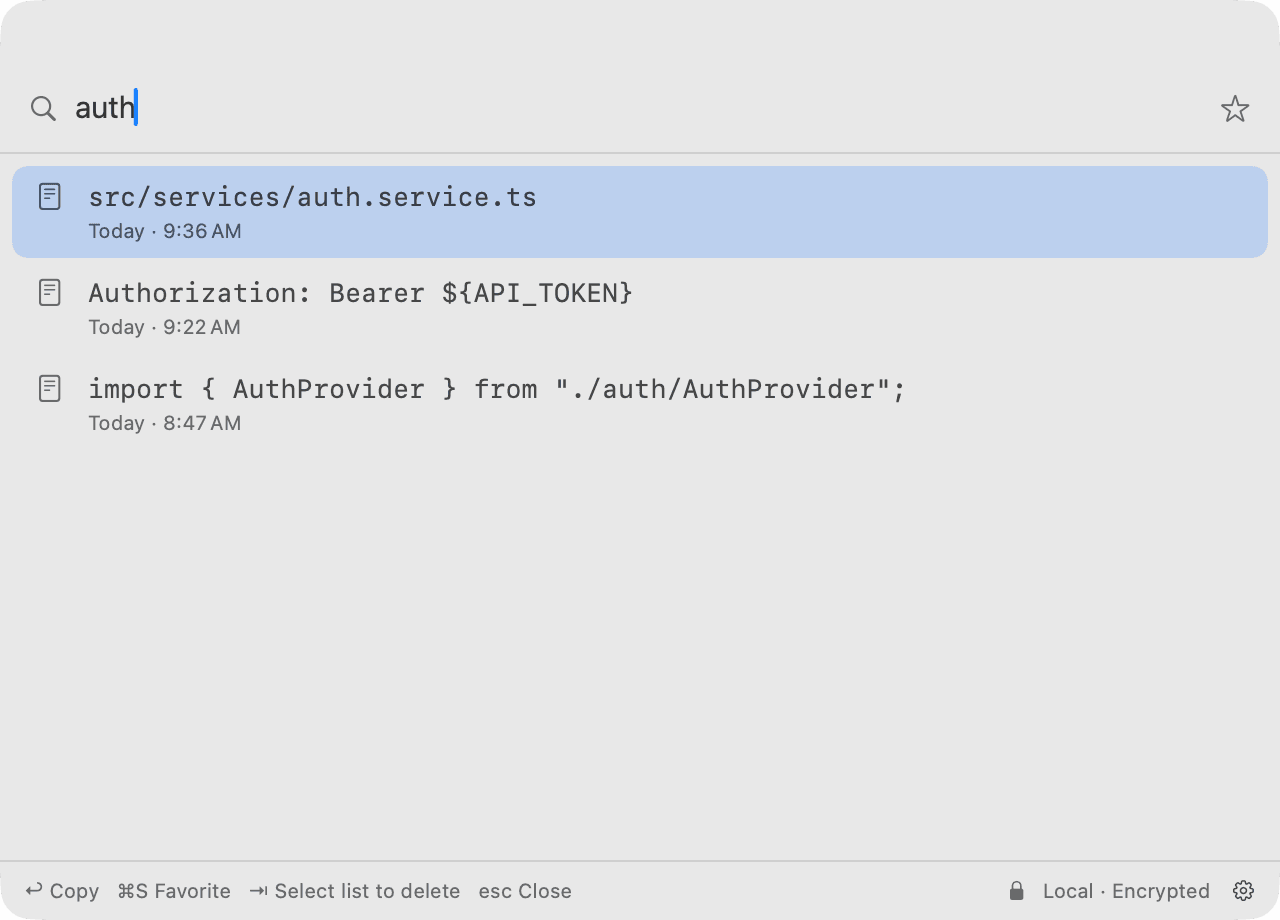
Find it without remembering where it went.
Search your clipboard history instead of scrolling through everything you've copied.
- The search field has focus the moment it opens. Just type.
- Ignores case and accents. Every word you type has to match.
- ⌘F jumps back to search from the list.
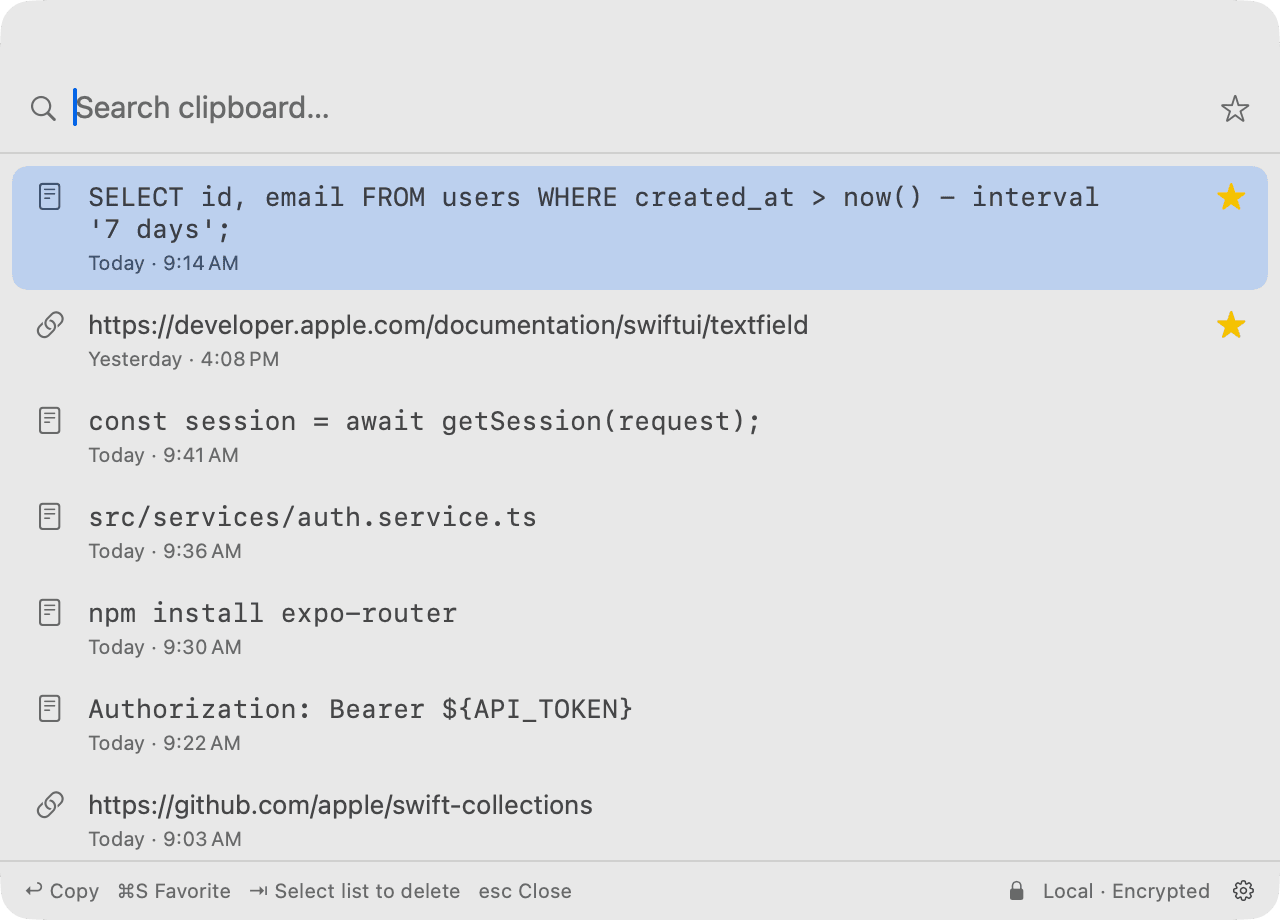
Keep the things worth keeping.
Star what you reuse. Delete what you don't. Decide how long the rest stays.
- Favorite it⌘S
- Favorites sit at the top of the list and are kept no matter what your retention and item limits say. Click the star to see only them.
- Delete it⌫
- Changed your mind? ⌘Z brings it back within 5 seconds.
- Decide how long
- Keep history for an hour, a day, 7 days, 30 days or forever. Or clear it all in one step.
Keep your hands on the keyboard.
Open Clip & Board, find what you need, and get back to work without breaking your flow.
The shortcut is Control, Command, V.
Clip & Board opens
from any app, with search ready.
- Move through history
- ↑↓
- Copy the selected item
- ↩︎
- Search
- ⌘F
- Favorite
- ⌘S
- Delete
- ⌫
- Undo a delete
- ⌘Z
- Switch between search and list
- ⇥
- Close
- esc
⌃⌘V is the default. Pick your own in Settings. It needs ⌘, ⌥ or ⌃, and can’t be a standard command like ⌘C.
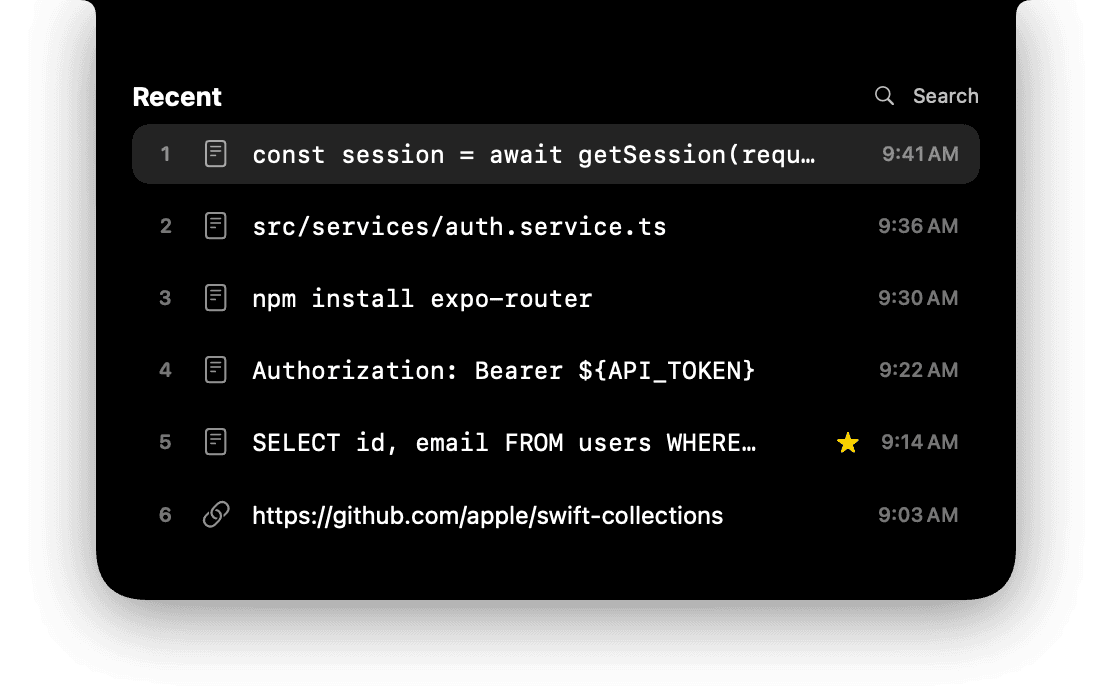
Click the notch, or the top of the menu bar on screens without one. Your last six copies drop down. Click one, or press 1–6.
Made for Mac.
Clip & Board is designed around the way you already use macOS.
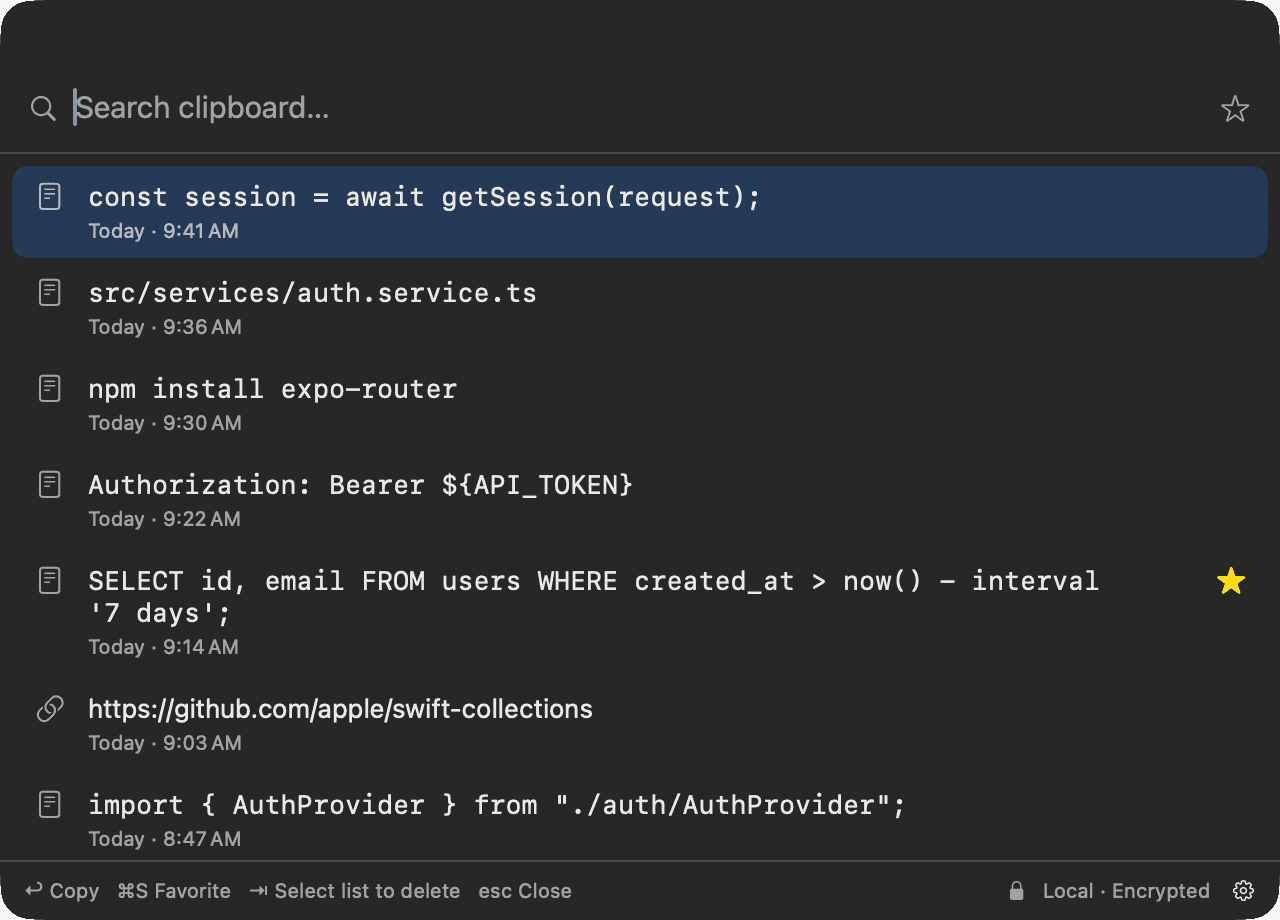
Light or Dark, it follows your Mac’s appearance.
 Lives in the menu bar
No Dock icon. The menu-bar icon shows a pause symbol while capture is paused.
Doesn't steal focus
It opens over the app you're in, and that app stays in front, like Spotlight.
Swift and SwiftUI
A native app with no third-party dependencies.
Your clipboard is yours.
Your clipboard can contain passwords, private messages, API keys, addresses and other sensitive information. Clip & Board is designed with privacy in mind. Here is exactly where your data lives.
Your Mac

Clip & Board
- Clipboard history
- Encrypted with AES-256-GCM
- In your Mac’s Application Support folder
- Encryption key
- In your macOS Keychain
- Never next to the database
- Stored on your Mac
- Your history lives in a database in your Mac's Application Support folder.
- Encrypted at rest
- Contents are encrypted with AES-256-GCM. The key is kept in your macOS Keychain, never next to the database.
- No internet code
- No servers, cloud, uploads or update checks. No analytics, telemetry or AI processing.
- No account
- Nothing to sign up for, nothing to sign in to.
- Secrets are caught on your Mac
- Recognised API keys and private keys are never stored. Session tokens (JWTs) and one-time codes are deleted after 30 seconds. Detection is heuristic, so it can't catch every secret.
- Password managers are respected
- Anything a password manager marks as concealed or transient is never recorded.
- Sync is optional, and off by default
- Turn it on and new copies go straight to your own paired Macs on the same network, end-to-end encrypted, with no server in between.
- Read the privacy policy
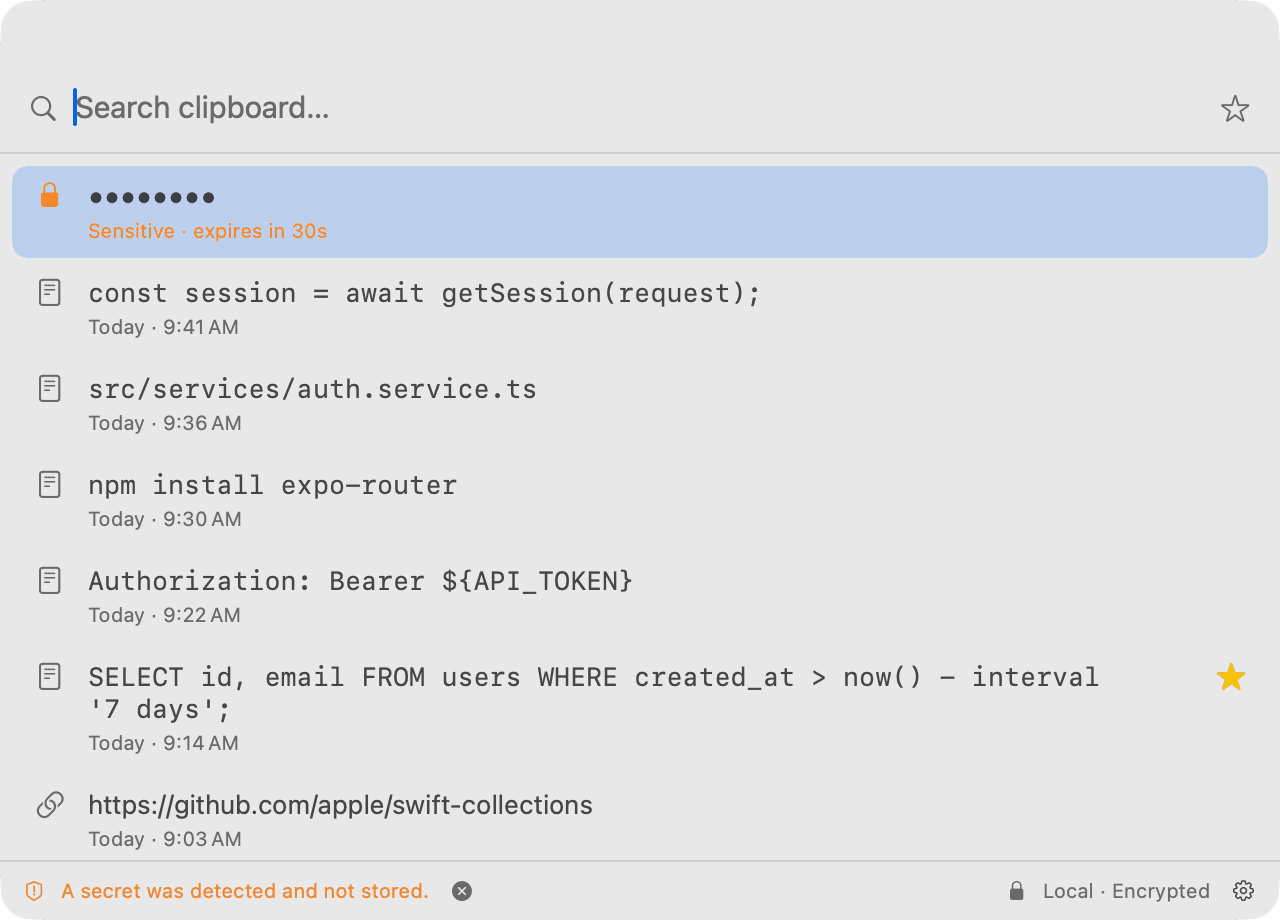
Remember.
Your history is kept, encrypted, even after a restart.
Find.
Search everything you've copied before.
Paste.
Bring it back with ↩︎.
Stop losing things you’ve already copied.
Give your clipboard a memory.
For macOS 14+ on Apple Silicon
Public beta, not notarized yet. The release notes show how to open it the first time.